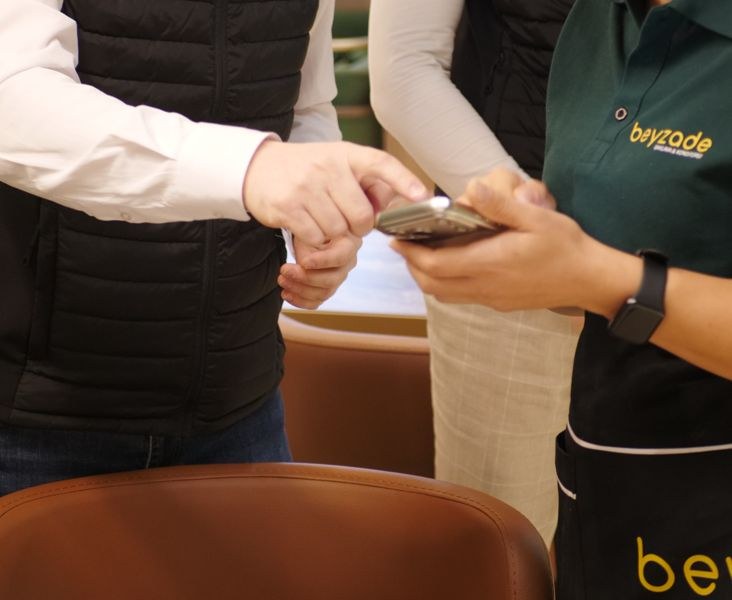
Was darf's heute sein?
In the guest's languageGerman, English, Turkish. The guest chooses, the dishes reach you in German. Only special requests appear as they were written.QR ordering
Your tables
order themselves.
Guests order at the table, you keep the table plan in view.
You're table 4. Order something on the phone.
12:00●●● ▮
Camera Maps Weather Notes Music Photos Clock
Opening …
Room 1 Terrace
Discover the benefits.
Happier guests, fewer trips for your team. Five reasons, each tried in a few seconds.
0/5 tried
- 1Ordered without waitingThe guest doesn't wait for the menu or the waiter. The order is in your POS right away.Order something for table 4 on the phone.
- 2You decide what goes to the kitchenQR orders show up yellow in the table plan. One tap on “Confirm” and it goes to the kitchen. Or the POS accepts it automatically.Tap table 4 in the table plan and confirm.
- 3Reorders without the walkThe guest orders the second drink themselves, on the same bill. Nobody has to wave first.Order something more for table 4.
- 4Call instead of wave“Call waiter” shows a hand on the table and the room. Your team sees who's waiting, even in the rush.Tap “Call waiter” on the phone.
- 5Everything on one billAll orders of the table are on one bill. Take payment, table free, the next guest can come.Tap table 4 and take payment.
MENUTABLE 4 NFC ORDER RIGHT.de
At the table
One code.
Every table.
- QR code and NFC We deliver a stand for every table with the table number, QR code and NFC, or you print them yourself from the POS. Scan or hold the phone to it, the shop opens in the browser. No app, no account.
- The table is already filled in The guest sees “You're sitting at table 4”, you see table 4 in the table plan. Nobody has to type in a number.
- 30 minutes from the scan Ordering only works in the 30 minutes after the scan. A photo of the code isn't enough to order from home. Shortly before it ends, the shop says so; a new scan and it carries on, the cart stays.
Your revenue
Anything
else?
The shop asks for you, every time. In the cart it suggests what goes with the order: the drink with the pizza, the dessert after. One tap and it's on.
No waiter forgets it. Neither does the shop.
Payment
Everyone pays
their share.
On request, every guest pays for what they ordered right when ordering, with PayPal. No waiting for the bill, no splitting it up, no trip to the till. Only when your team accepts the order does it go to the kitchen and into the POS.
- You see who has paid A green dot on the table shows for a while: guests here have already paid.
- No double bill If an open bill with the staff is already running at the table, the guest orders there instead of paying in advance.
- With tips Guests who pay right away can tip right away. It lands in your POS with the order.
One menu.
For every guest.
Margherita AG
Allergens on the dishAllergens and additives are listed for every dish. Nobody has to ask the kitchen. Tiramisu €4.50
Sold out means goneWhatever is sold out at the POS disappears from the table menu right away.Ordering at the tableMenu, cart, order, call waiter
Menu onlyMenu and “Call waiter”, orders go through the staff
Your service
Your rules.
Your pace.
Ordering at the table or menu only with a waiter call. Confirm every order yourself or let small ones be accepted automatically, up to an amount or a number of items. You can switch anytime.
Your team
One tablet
is enough.
You have the table plan on the tablet at the till. With phones your team sees tables and waiter calls on the move, which makes it even easier. Soon on the smartwatch too: the waiter call taps your wrist.
 Tablet Table plan at the till
- Phone Tables and calls on the move
- Smartwatch SoonWaiter call on the wrist
Questions.
Do my guests need an app?
No. The code opens the shop in the browser, without a download and without an account.
What devices do I need?
A tablet with the POS is enough. Phones for your team make it even easier, because they see tables and waiter calls anywhere.
Do I get the stands from you?
Yes, usually we deliver them ready with table number, QR code and NFC. If you like, you print them yourself from the POS.
Can someone order from home?
No. Ordering only works in the 30 minutes after scanning at the table. An open tab doesn't extend that. Afterwards the guest simply scans again, their cart stays.
Does it work with NFC too?
Yes. The stands have a QR code and NFC. Guests scan or briefly hold their phone to it.
Does a QR order go straight to the kitchen?
As you like. Either your team confirms every order in the table plan, or the POS accepts them automatically, optionally only up to an amount or a number of items.
Can guests pay right at the table?
Yes, on request everyone pays their share with PayPal when ordering. The paid order goes to the kitchen as soon as your team accepts it.
Can guests leave a tip?
Yes. Guests who pay right at the table can add a tip, if you have switched it on.
Do I need the OrderRight POS for this?
Yes. Orders land straight in the POS table plan, in the kitchen and on the table's bill.
Is it the same shop as for pickup and delivery?
Yes. One menu, one shop. At the table it only shows what fits the table.
Can I show the menu without orders?
Yes. Then guests only see the menu and can call the waiter.
Table 4
has ordered.
Your guests order, you keep the overview.
Works with the webshop and the kitchen display.