OrderRight

Order number on screen.
Relaxed pickup.

Finished orders appear automatically – guests see right away when to collect.

Completed orders at a glance

The pickup screen works with your checkout and automatically shows finished orders at the point of delivery. You decide the appearance and announcements yourself.

No more questions at the counter

Once the order is ready, the number changes to ready for pickup and is announced in large letters. On the treadmill you announce what is important at the moment.

  • Order number is automatically capitalized
  • Announcements on the treadmill, such as happy hours or promotions
  • Customize the pickup screen to suit your business

How it works

  1. 1
    Order is readyThe kitchen ticks off, the number moves to ready for collection.
  2. 2
    Number is calledThe pickup screen shows them large – clearly visible in the room.
  3. 3
    Announcement is ongoingYou display happy hour or information yourself.
Order number#A-027
Döner pizza
Cola
In progress
AnnouncementHappy hour until 6 p.m
In preparation
Ready for pickup
A-022Call
C96ZD8Hunger-hungry
A-027Direct sales
A-026Direct sales

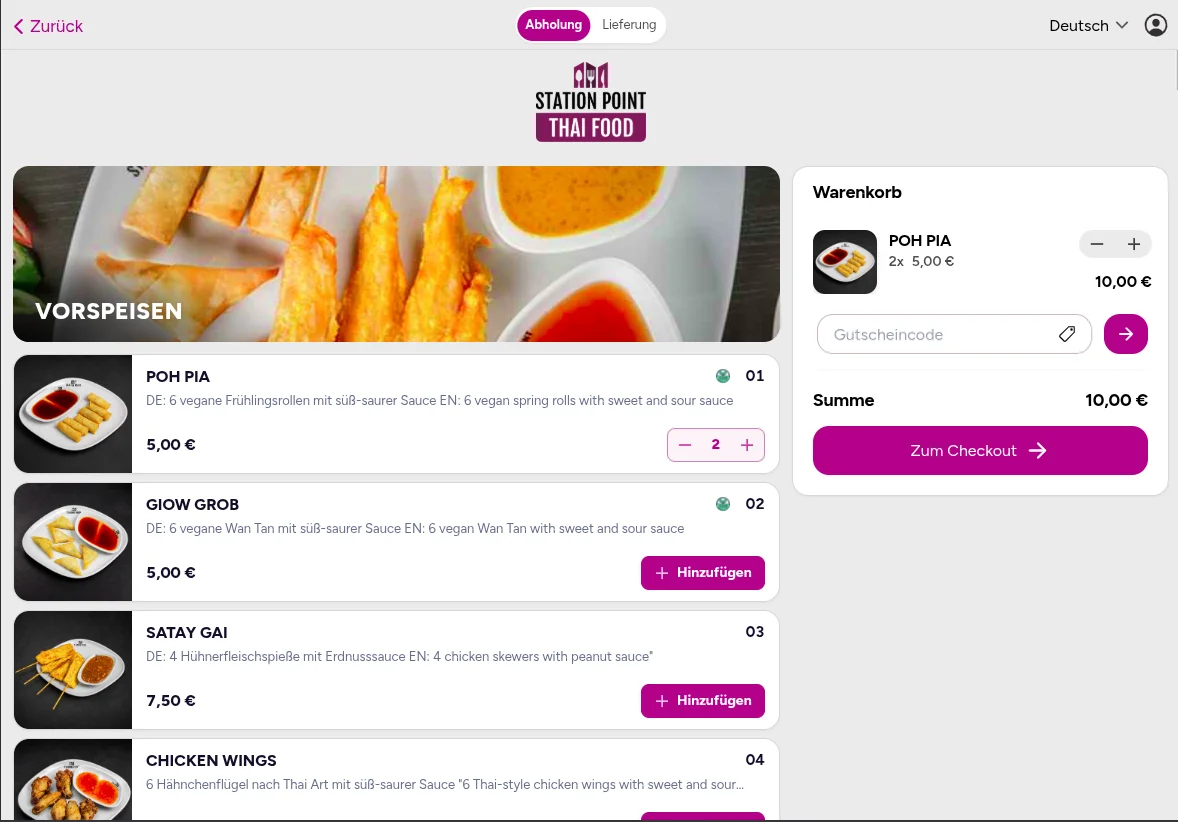
Webshop orders appear directly on your pickup display

Orders from your own webshop automatically appear on the pickup screen - your guest knows immediately when their order is ready.

View web shop
Webshop orders appear directly on your pickup display

Your business. Your revenue. Your system.

Everything in one system – without high commissions or order chaos.

FAQ

Frequently asked questions

Everything you need to know about OrderRight, switching and daily use.

Can’t find your question? Our support team is here to help